

Download Windows 7 RC Wallpapers – desktop background, high-resolution wallpapers, Windows 7 beta, Windows 7 wallpaper pack, free wallpapers for Android
Overview
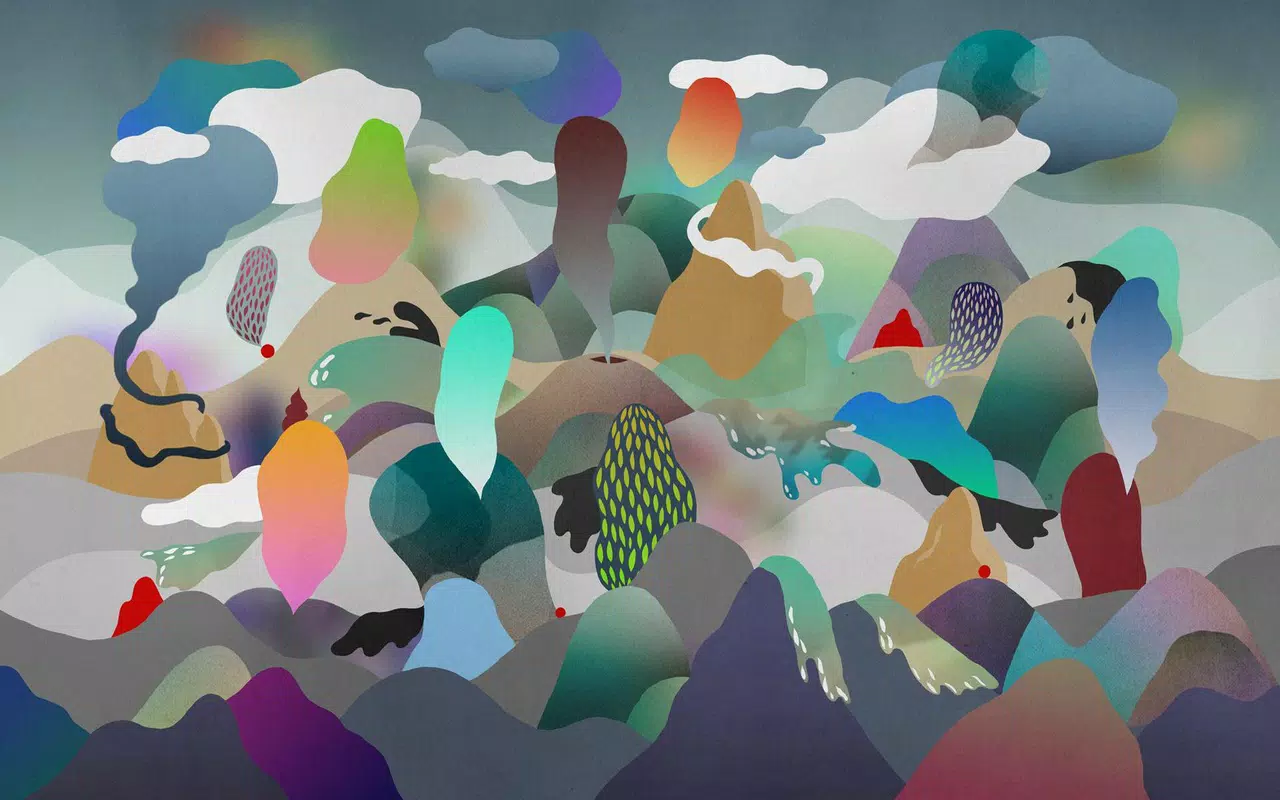
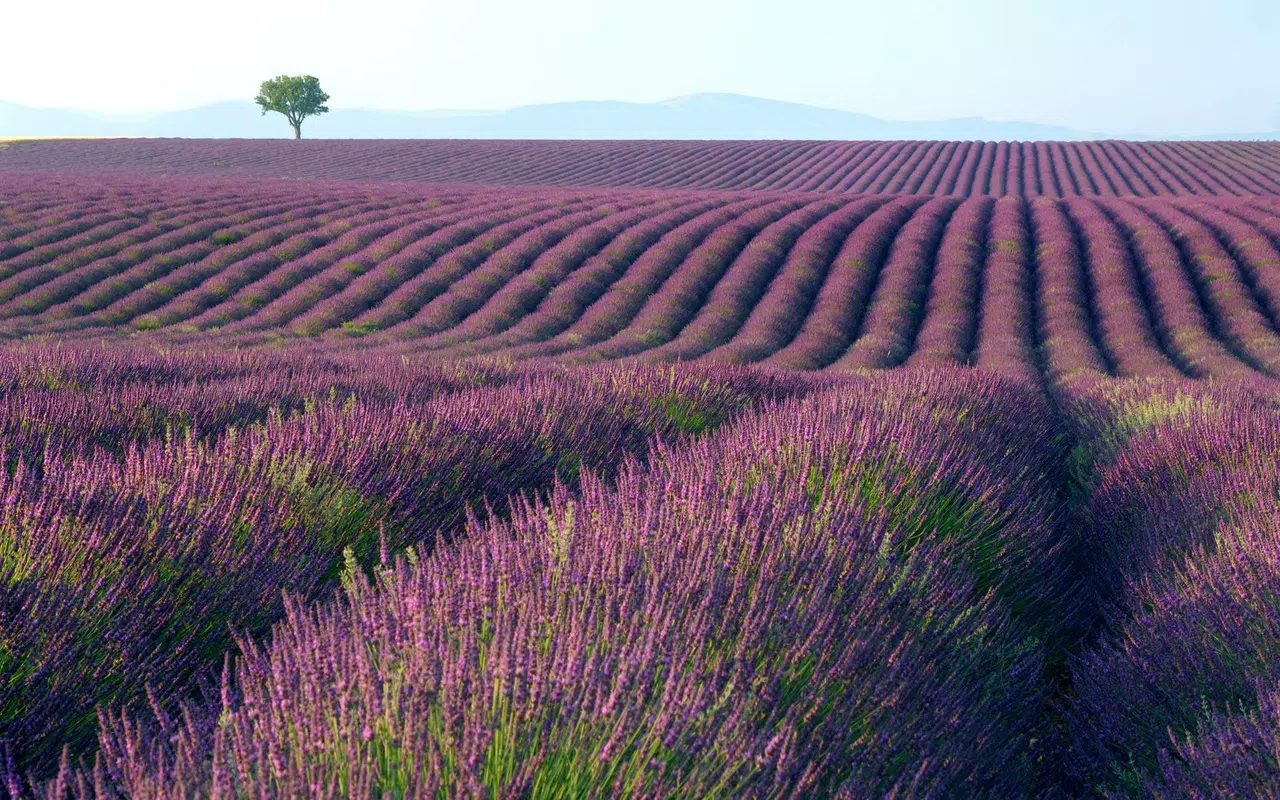
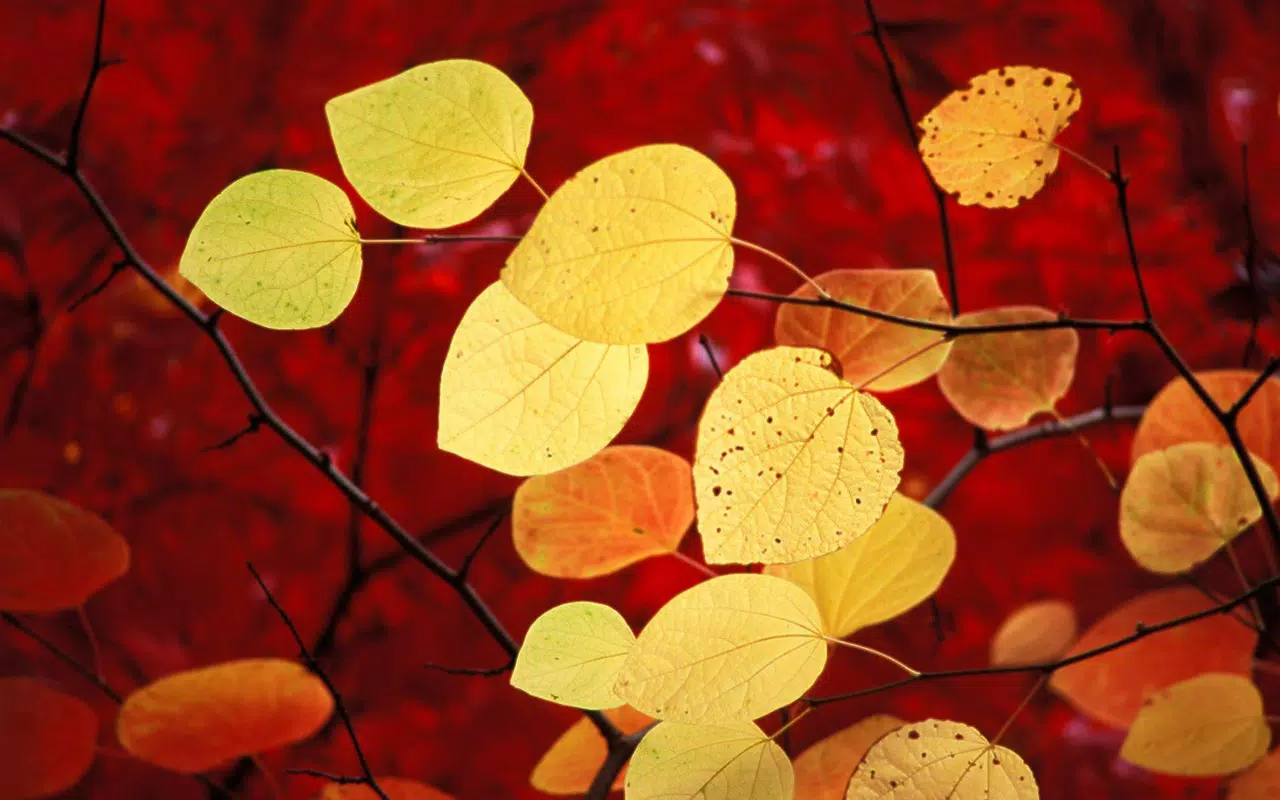
The Windows 7 RC Wallpapers app presents a curated collection of desktop backgrounds specifically tailored for users who appreciate the aesthetic of the Windows 7 operating system during its release candidate phase. Designed as a visual utility, this app delivers a nostalgic and high-quality wallpaper experience for Android devices, allowing users to immerse themselves in the design language of a major OS milestone. The primary purpose is to provide a seamless way to access and apply high-resolution images that reflect the look and feel of Windows 7, particularly those available during the beta testing period.
Target users include tech enthusiasts, retro computing fans, and individuals seeking to personalize their Android device with a theme reminiscent of early 2000s desktop environments. The app solves the need for easily accessible, authentic-looking wallpapers from a pivotal moment in Microsoft’s OS evolution. Real-world use cases include setting a consistent theme for work or personal devices, enhancing visual engagement on screens, or simply reliving the anticipation of the Windows 7 launch. In the broader app ecosystem, this utility occupies a niche role—offering aesthetic customization without demanding complex functionality, making it a lightweight yet meaningful addition for users who value visual consistency and design authenticity.
Key Features & Functionality
- High-Resolution Visuals: All wallpapers are formatted at 1920x1200, ensuring sharp clarity across various screen sizes and resolutions. This resolution supports both standard monitors and widescreen displays, maintaining image integrity without distortion.
- Diverse Thematic Categories: The collection includes wallpapers organized into distinct themes such as architecture, nature, landscapes, characters, and scenes. This categorization enhances discoverability and helps users quickly locate visuals that match their personal preferences.
- Consistency with Beta Release: The wallpapers included are identical to those available during the Windows 7 beta phase. This ensures users experience the same visuals that early adopters saw, offering a sense of continuity and authenticity.
- Simple Installation Process: The app enables one-tap setup, allowing users to set any wallpaper as their desktop background with minimal effort. This straightforward functionality supports accessibility for users of all technical skill levels.
- Modern, Trendy Aesthetic: Designed with the visual trends of 2009 in mind, these wallpapers reflect the clean, minimalist design ethos that defined Windows 7’s user interface, helping users create a cohesive and contemporary desktop environment.
For example, a user interested in natural scenery can browse the landscape category and apply a high-resolution forest scene to their home screen. Similarly, a developer nostalgic for early Windows 7 testing might use the character-themed wallpapers to evoke a sense of familiarity. The app’s structure supports both casual browsing and intentional customization, making it a practical tool for visual personalization.
Interface, UX & Performance
The user interface of Windows 7 RC Wallpapers is designed with simplicity and efficiency in mind. The layout follows a clean grid system, displaying thumbnails of each wallpaper in a scrollable format. Navigation is intuitive, allowing users to browse through categories or search for specific themes without confusion. The visual style remains consistent with the retro aesthetic of the wallpapers themselves, avoiding clutter and emphasizing usability.
Although the developer did not list formal performance metrics, the app’s lightweight nature—evident from its 48.5 MB file size—suggests minimal impact on device resources. It is expected to load quickly and respond smoothly on a range of Android devices, from entry-level models to mid-tier smartphones. Stability is likely maintained through the app’s focused functionality, which avoids complex background processes.
Responsiveness is enhanced by the straightforward tap-to-apply mechanism, reducing user friction during setup. The app does not require excessive permissions, which contributes to a secure and predictable experience. Overall, the UX prioritizes speed, clarity, and ease of use, aligning with the expectations of a utility app focused on visual customization.
Platform Compatibility & Technical Requirements
The app is available on the Android platform and was released on May 29, 2009. It is compatible with Android devices supporting the specified file size of 48.5 MB. The developer did not specify minimum OS requirements, nor did they list version compatibility details beyond the initial release.
As such, users should verify whether their device meets the necessary specifications for running the app. The app’s size indicates it is optimized for storage efficiency, making it accessible even on devices with limited space. While the exact hardware requirements are not disclosed, the app’s purpose as a static image viewer suggests it can function on a wide range of Android devices, provided they support basic image rendering and background setting features.
Pros and Cons
- Free to download and use
- High-resolution 1920x1200 wallpapers
- Organized by thematic categories
- Authentic beta-era visuals
- Simple and fast installation
- Released in 2009, may lack modern design updates
- Platform compatibility details not fully disclosed
- No built-in search or filtering beyond categories
- Does not support dynamic wallpapers or animations
- May not be optimized for newer Android versions
FAQ
Is this app safe to download?
The app is available as a free download and does not require excessive permissions. While the developer did not provide detailed security disclosures, the app’s function as a static wallpaper viewer suggests a low risk profile.
Can I use these wallpapers on my desktop computer?
Yes, the wallpapers are high-resolution images and can be transferred to a desktop or laptop for use as a background, provided the device supports the 1920x1200 resolution.
Are the wallpapers from the official Windows 7 beta release?
Yes, the collection includes all wallpapers from the Windows 7 beta version, ensuring authenticity and consistency with the original release candidate.
Does the app require an internet connection?
Once installed, the app does not require an active internet connection to view or apply wallpapers. All images are stored locally on the device.
Will this app work on newer versions of Android?
The developer did not specify compatibility with newer Android versions. While the app may function on updated systems, performance and stability cannot be guaranteed without official updates.
Final Thoughts
Windows 7 RC Wallpapers stands as a dedicated, no-frills utility for users who value visual nostalgia and design authenticity. Its core strength lies in delivering a high-quality, curated collection of beta-era wallpapers with a focus on ease of use and consistency. While it lacks modern features like dynamic backgrounds or advanced customization tools, it excels in its narrow purpose: providing a reliable way to access and apply classic Windows 7 visuals on Android.
This makes it particularly valuable for retro computing enthusiasts, developers testing historical UI patterns, or anyone seeking a throwback desktop aesthetic. The app’s free model and lightweight design enhance its accessibility. For users looking to refresh their device with a piece of computing history, this app offers a meaningful and secure experience.
Download Windows 7 RC Wallpapers now


